
Bulin 47 AI Video Generator
Make a viral Bulin 47 AI video with one character photo and an included 15-second freestyle reference. Keep original choreography, setting, and soundtrack with no prompt writing required.
The same freestyle.
A new face in the lead.
Bring a fresh face to the Bulin 47 freestyle. Your photo sets character identity; the reference video guides movement. Use the included 15-second clip or upload your own.
About the freestyle
Bulin 47 AI videos place a custom character into the viral freestyle by Bulin 47 and Kevin Wai. The humor comes from the contrast: a recognizable street performance with someone unexpected in the lead. Signature shoulder moves, gestures, and bystanders keep the scene recognizable.
This Bulin 47 AI creator starts with a prepared 15-second reference performance. Your portrait supplies the lead character; the video supplies the routine. No dancing or prompt writing is needed. The edit replaces the lead dancer while keeping the speaker holder and scene.
Original performance: Bulin 47 & Kevin Wai. View the source post on Instagram to review the original routine.
Play the reference before you start to inspect framing and timing before spending credits. The player shows source footage, not a generated sample. Your finished Bulin 47 AI video appears in this player once processing finishes.
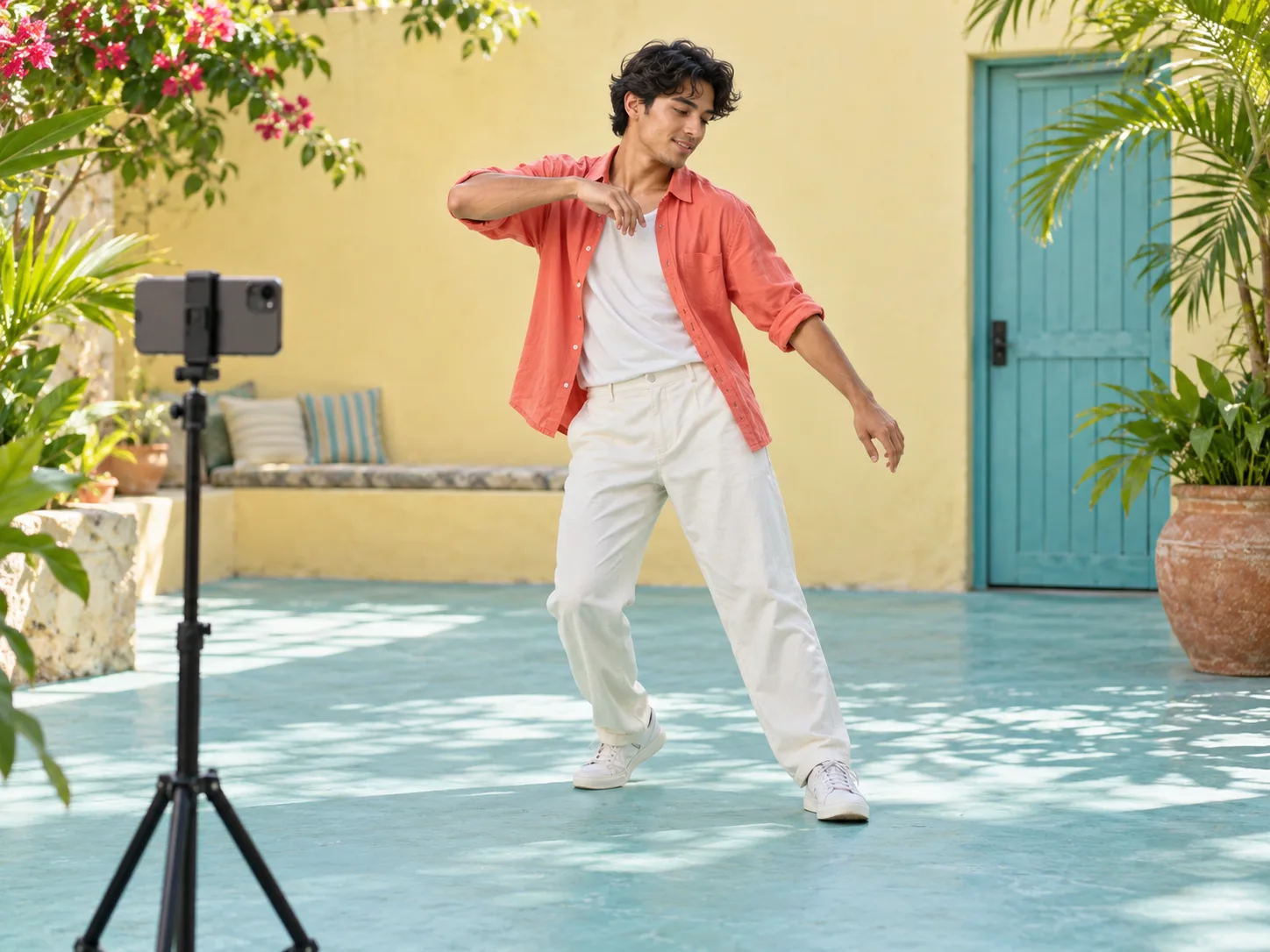
Create Your Bulin 47 AI Video in Three Steps
Step 1: Choose who takes the lead
Upload a portrait photo of yourself, a friend, or a character. Provide visible hair, a clear face, and upper clothing. Check the preview and replace the image before generating if needed.
Step 2: Check the clip and credit balance
The original 15-second freestyle is selected by default. Choose Re-upload to provide a custom 3 to 15 second clip. Review your Bulin 47 AI generation cost: 126 credits. Previewing is free; clicking Create submits the task.
Step 3: Preview the performance and download
Wait for generation in the preview panel or track progress in History. Play the video with sound, inspect movements during turns, and download your finished MP4 file.
Choose the Right Portrait for Your Bulin 47 AI Video
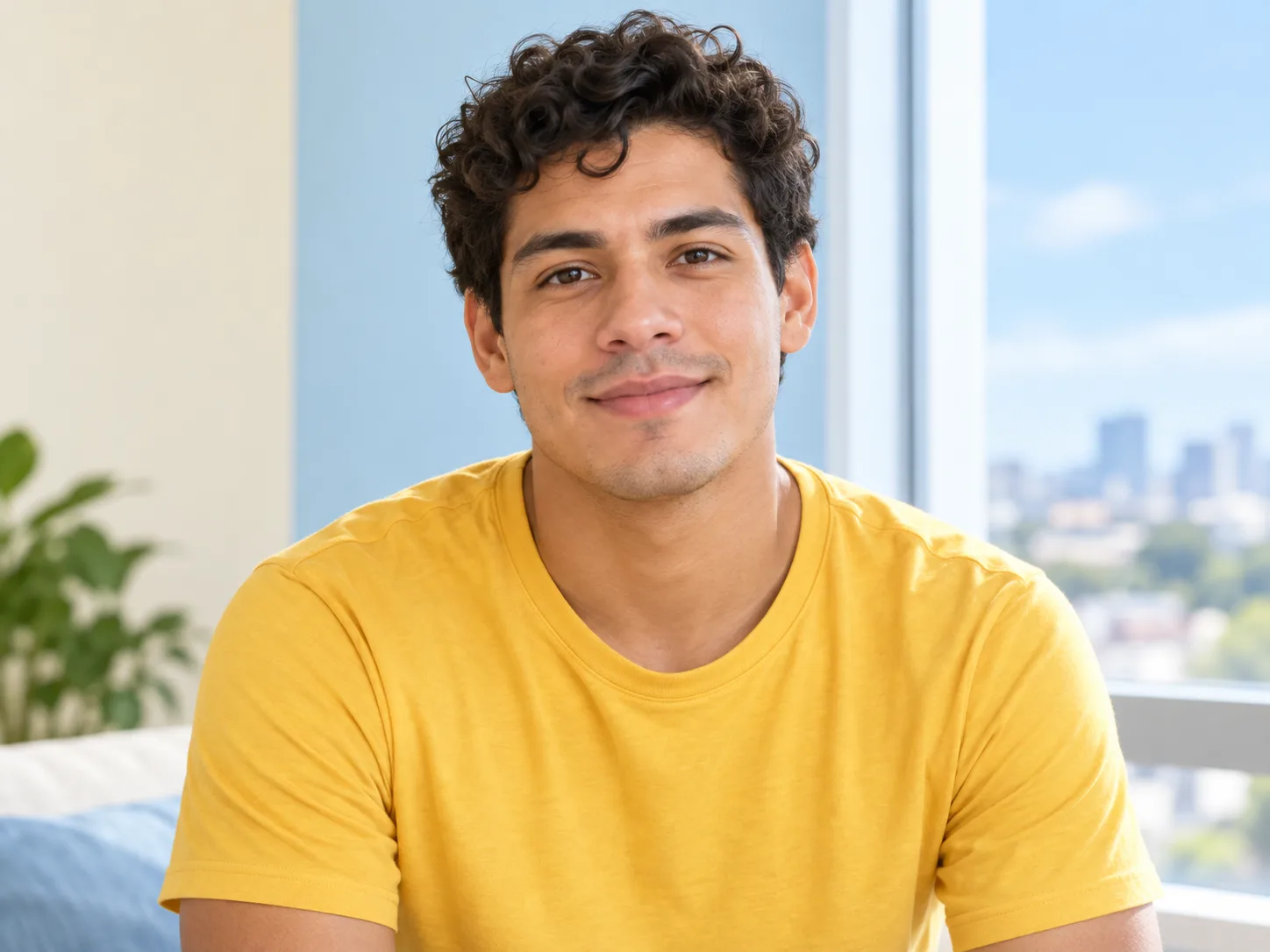
Use one person, a clear face, and balanced lighting. Include hair, shoulders, and desired clothing. Avoid sunglasses, heavy filters, and tight crops.
More photo tips
Give the face room
A sharp chest-up portrait provides the best starting reference. Leave space around hair and shoulders, with even light across the face. Natural daylight offers clearer detail than a dim or filtered selfie.
Avoid sunglasses, hands over the mouth, and close crops. Although the original dancer wears glasses, the editing model needs clear visibility of your subject's eyes and jawline.
Keep the subject easy to recognize
Use a solo photo rather than a group shot. A plain background helps isolate clothing cleanly. Crop group photos to the intended character before uploading, keeping enough upper body to show the outfit.
Solid colors perform best during dynamic turns. Complex patterns can shift as shoulders move. The tool accepts JPG, PNG, and WebP files up to 10 MB.
What the Bulin 47 AI Video Generator Changes
The portrait and reference video perform different jobs. Understanding these roles helps you select suitable inputs and evaluate your results accurately.
Your character photograph
Guides the lead character's identity, hair, and clothing. A recognizable expression and visible shoulders provide strong anchors. The photo background does not replace the scene.
The reference performance
Guides body movement, timing, and camera framing. The edit replaces the main dancer while preserving bystanders, the portable speaker, and the entrance.
The viral soundtrack
Keeps the original freestyle audio track instead of adding new music. Your character appears to rap, but this does not clone your voice. Check mouth timing against playback.
Fast gestures present challenging moments. Hands can briefly cross the chin, and clothing may inherit subtle source details. Inspect your Bulin 47 AI video right after foreground obstructions pass.
Know Your Bulin 47 AI Generation Costs
See credit plansOne generation costs 126 credits for either the default 15-second freestyle or a custom 3 to 15 second clip. Shorter clips share the same fixed price. This is a pay-per-video cost rather than a subscription. Previewing the reference remains free.
Credits are reserved upon job creation. A failed task returns reserved credits automatically. A completed video deducts credits even if you prefer another photo. Check History before clicking Create again if your connection drops.
Troubleshooting Your Bulin 47 AI Results
Photo, clothing, and motion guidance
The face looks different from the photo
Try a sharper, direct view without heavy filters or shadows. Keep clothing similar and improve facial clarity first. Each new generation attempt uses 126 credits.
The wrong clothing appears
Include more of the desired shirt and shoulders in the portrait. Extreme close-ups force the model to infer clothing, which can borrow elements from the source pink shirt.
Hands or bystanders distort during motion
Foreground obstructions like the portable speaker are complex elements. Minor glitches near the end can be trimmed in an editor; persistent likeness shifts warrant a new photo.
The generation task seems paused
A slow check does not mean failure. Click Check video status if visible, or open History to monitor saved tasks. Contact support with your task ID if issues persist.
Frequently Asked Bulin 47 AI Questions
Do I need a reference video or a prompt?
No prompt is required. The Bulin 47 AI tool includes a 15-second freestyle reference, so you only need a portrait photo. To use a custom routine, click Re-upload on the reference card and provide an MP4 or MOV clip between 3 and 15 seconds, up to 50 MB, with dimensions between 720 and 3840 pixels.
Which model powers this Bulin 47 AI video generator?
This tool uses Kling O3 Pro video editing. It uses the freestyle performance as the base scene and your portrait as the character reference, preserving bystanders and framing unlike text-to-video models.
Is this a face swap or a whole-character replacement?
This Bulin 47 AI pipeline performs whole-character replacement rather than pasting a 2D face sticker. The model updates face, hair, and clothing to match gestures. Provide a clear chest-up photo for consistent clothing.
Can I use a pet, cartoon, or game character?
You can try illustrated characters or pets, but upright human figures yield the most natural results. Quadruped pets can distort during human arm gestures. Ensure you have rights to upload your chosen character image.
Will the video use my voice?
No. A photo supplies visual appearance only. The generation pipeline preserves the original reference audio and vocals without recording speech or cloning voices. Listen to the exported MP4 to evaluate lip sync.
Why is the included freestyle 15 seconds long?
The Kling O3 Pro video editing model accepts reference footage between 3 and 15 seconds. We trimmed the viral performance to an optimal 15-second excerpt containing the iconic shoulder dance so you do not need to trim video files.
Can I try again if I dislike the likeness?
Yes. Submitting a clearer photo with even light can improve likeness. Each generation costs 126 credits, including retries. Completed tasks do not qualify for refunds, so check image framing before creating.
Is this an official Bulin 47 product?
No. Motion Control AI is independent and not affiliated with Bulin 47 or Kevin Wai. The Bulin 47 AI title references the viral trend creators want to remake. Generated clips are creative edits and should credit original creators.
For video editing parameters and audio settings, review the Kling O3 video editing documentation. If you need assistance with tasks or credits, contact support@motioncontrolaifree.com.
Pick Your Photo.
Let the Bulin 47 AI Freestyle Begin.
The 15-second reference is loaded and ready. Use our Bulin 47 AI video generator to bring your character into the viral freestyle today.